
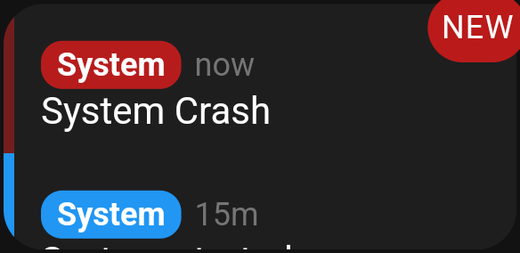
A live syslog feed filtered by severity and category.
A live syslog feed. This is a technical card, aimed at people who are diagnosing a problem rather than running their home.
If you just want to see what happened in the house, use the Timeline card instead.
Settings
| Setting | What it does |
|---|---|
| Severities | Which severity levels to include |
| Categories | Which facilities/categories to include |
| Filter | Only show lines where the app name or message contains this text |
| Show short date | Use a compact timestamp to save width |
| Title | The card's heading |
Severities
Standard syslog levels, from emergency through to debug. Selecting fewer levels is the quickest way to make the card readable — restricting it to warnings and errors usually cuts the volume by an order of magnitude.
Categories
Syslog facilities. Narrow these when you already know which subsystem you are investigating.
Filter
Matches the app name or the message text. The in-app hint puts it well: App name or message must include…, and an empty filter means no filtering.
Show short date
Long timestamps eat horizontal space. Turning this on gives you more room for the message itself, which is usually the part you need.
Tips
- Filter first, then size. An unfiltered syslog card scrolls too fast to read at any size.
- Make it temporary. This is a debugging tool. It is reasonable to add it while chasing a problem and delete it afterwards.
- Give it width. Log lines are long, and wrapping them makes the card hard to scan.