
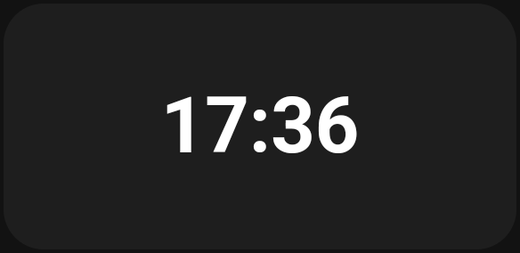
The time in a format you choose, optionally with the date.
The time as text, in whatever format you choose. Compact, precise, and readable at any card size.
Settings
| Setting | What it does |
|---|---|
| Time format | How the time is written |
| Show date | Show the date as well |
| Date format | How that date is written |
Time format
| Pattern | Result |
|---|---|
HH:mm |
14:05 |
HH:mm:ss |
14:05:32 |
h:mm a |
2:05 PM |
H:mm |
14:05 (no leading zero) |
HH is 24-hour, hh is 12-hour, a adds AM/PM.
Date format
| Pattern | Result |
|---|---|
EEEE d MMMM |
Monday 3 March |
d MMM yyyy |
3 Mar 2026 |
dd-MM-yyyy |
03-03-2026 |
Common pieces: d day, dd padded day, MMM short month, MMMM full month, yyyy year, EEE short weekday, EEEE full weekday.
The card previews both as you type.
Tips
- Seconds are restless.
HH:mm:sson a wall panel gives you something that changes every second in the corner of your eye.HH:mmis calmer. - The date earns its place. On a wall panel where nobody is holding a phone, Monday 3 March is genuinely useful.
- Font size. The Style tab has a Max font size so the time fills the card as much as you want.
- Wide and short works well. Unlike an analog clock, this card does not need to be square.