
Trigger a Homey flow or advanced flow with one tap.
On this page
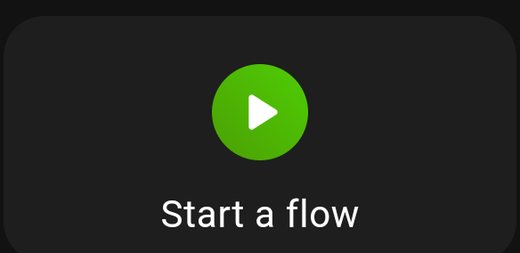
A button that runs a Homey flow. Both normal flows and advanced flows are supported.
What it is for
Anything you have already automated in Homey but sometimes want to trigger by hand: Movie night, Everyone out, Guest mode, Water the plants.
Because the logic lives in Homey, the card stays simple — it is a button, and the flow does the work.
Settings
| Setting | What it does |
|---|---|
| Flow | Which flow to trigger |
| Title | Overrides the flow's name |
| Show icon | Show an icon on the card |
| Show title | Show the title text |
Disabled flows
If a flow is disabled in Homey, the card says so — Flow disabled with the name of the Homey it belongs to. Enable it in Homey and the card starts working again; nothing needs changing here.
Guarding a flow
Flows are the easiest way to do something drastic by accident, so both guards are worth knowing:
- Needs confirmation? — a yes/no prompt before the flow runs. Right for Everyone out or All lights off.
- PIN protection — a code before the flow runs. Right for anything involving a door, a gate or a garage.
Both are in the Advanced tab.
Tips
- Feedback. A flow that produces no visible result leaves you unsure it ran. Add a
Sayaction, a light flash or a notification at the end of the flow so the button feels like it did something. - Advanced flows. These work exactly the same way; HDashboards picks the right trigger type automatically.
- Several flows in a small space. Use a Multicard with a flow row for each.