
A running list of devices whose battery has dropped below a threshold.
On this page
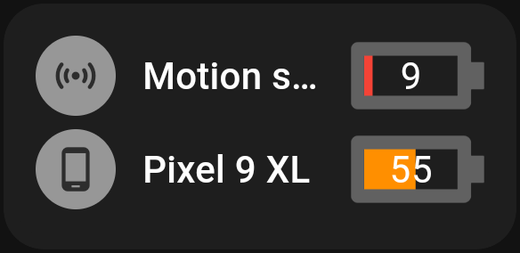
Lists every device whose battery has fallen below a level you choose. It builds itself — you never add devices to it by hand.
Why it is useful
Battery devices fail quietly. A door sensor with a flat cell does not announce itself; it just stops reporting, and you find out weeks later when an automation did not run.
This card turns that into something visible: normally empty, and when a name appears, that device needs a battery.
Settings
| Setting | What it does |
|---|---|
| Battery below | The threshold percentage. Devices below this appear on the card |
| Title | The card's heading |
Choosing a threshold
20 is a good default — enough warning to order batteries without the list being permanently populated.
Lower it to 10 if you would rather run cells down and do not mind less notice. Raise it to 30 for devices you cannot easily reach, like an attic sensor.
What it covers
Any Homey device reporting a battery level. Devices without a battery are never listed.
The list updates live: replace a cell and the device disappears from the card once Homey reports the new level, which can take until the device next reports in.
Tips
- Small is fine. An empty card most of the time does not need much space. One square wide, two tall, in a corner.
- An empty card is the good outcome. Do not be alarmed when it shows nothing.
- Pair with a flow. If you would rather be told than have to look, a Homey flow on the same battery capability can send a notification. The card and the flow complement each other.